
i-Covers

i-Covers: Find Movie Posters & Film Covers

0.0
Download
Screenshot 1 Screenshot 2 Screenshot 3

App details

Updated
Feb 24, 2012
Language
English
Developer
i-covers.net
Category
Mobile

Description

Download i-Covers – movie posters, film covers, movie images, cinematic visuals, movie database, movie cover search, film poster collection, movie poster download, movie cover finder, film image search

Overview

is a specialized mobile application designed for film enthusiasts seeking quick and reliable access to movie posters and cinematic visuals. With a focus on simplicity and efficiency, the app enables users to search for and download high-quality images of film covers using just a movie title. Its primary purpose is to serve as a centralized visual repository for movie lovers who want to build personal collections, enhance digital libraries, or simply enjoy browsing iconic cinematic artwork. The app solves the common challenge of locating accurate, high-resolution posters across scattered online sources by consolidating over 13,000 images from multiple databases into one accessible platform. Target users include casual movie watchers, collectors, content creators, and fans of film history. Whether someone is creating a themed playlist, designing a presentation, or curating a digital movie wall, i-Covers offers a streamlined solution. The developer, i-Covers, has maintained a long-standing presence in the mobile productivity space since its initial release in 2012, indicating a commitment to a niche but valuable service. Although the developer did not provide additional technical details about development philosophy or future roadmap, the app’s enduring relevance suggests consistent functionality and user satisfaction. In the broader app ecosystem, i-Covers fills a unique gap by focusing exclusively on visual metadata for films. It does not offer streaming, reviews, or ratings—instead, it prioritizes image retrieval. This specialization makes it a dependable tool for users who value speed, accuracy, and ease of access when searching for movie covers.

Key Features & Functionality

The app’s functionality centers around efficient image retrieval and user convenience. It features an extensive database collection of more than 13,000 movie covers and posters sourced from multiple film image repositories. This breadth ensures a high probability of finding desired visuals across genres, eras, and regions. For instance, a user searching for "The Godfather" can expect to see various international releases, vintage prints, and modern re-releases.
  • Extensive Database Collection: Access to over 13,000 images from diverse sources increases the chances of locating rare or region-specific posters.
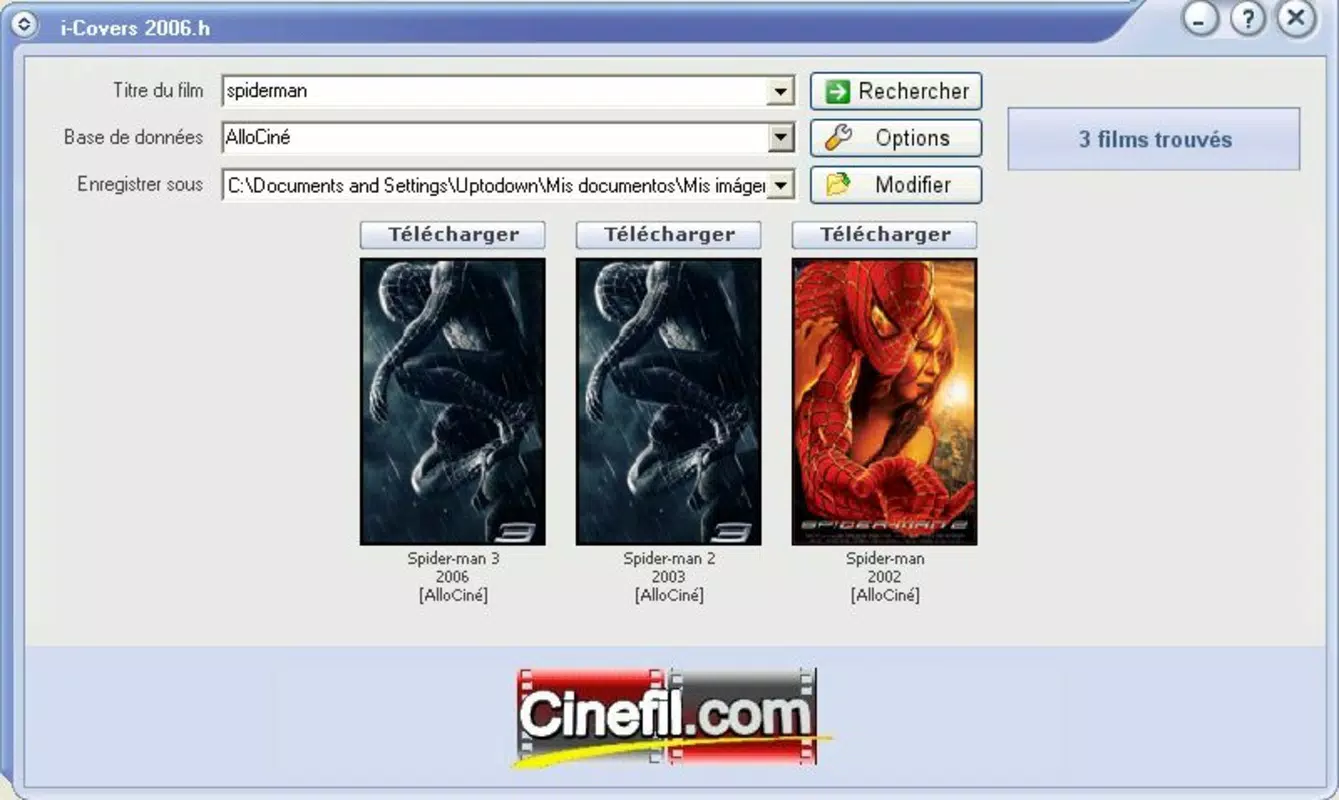
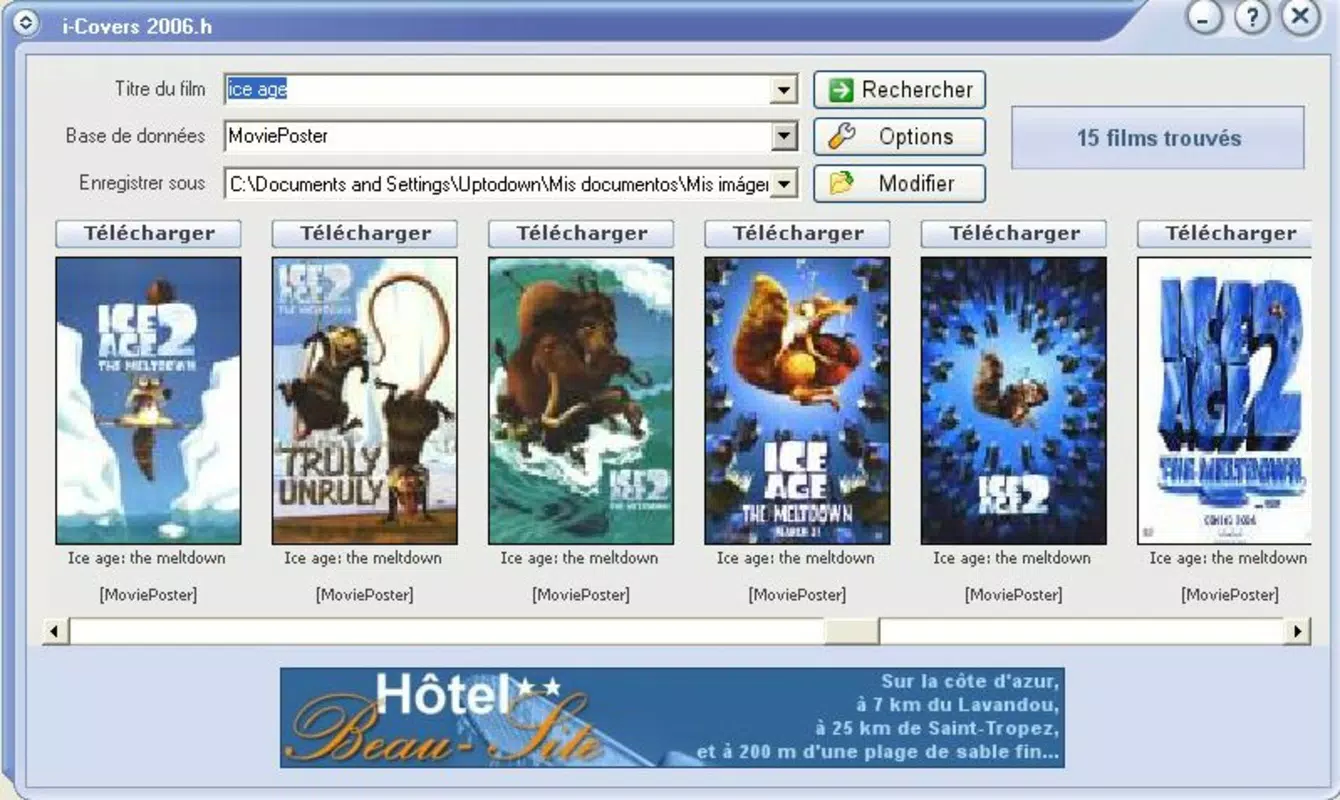
  • User-Friendly Interface: The search bar is prominently placed, and results are displayed in a clean, grid-based layout for quick scanning and selection.
  • High-Quality Image Downloads: Images are available in JPEG format, preserving clarity for personal use, with the ability to view them at full size before saving.
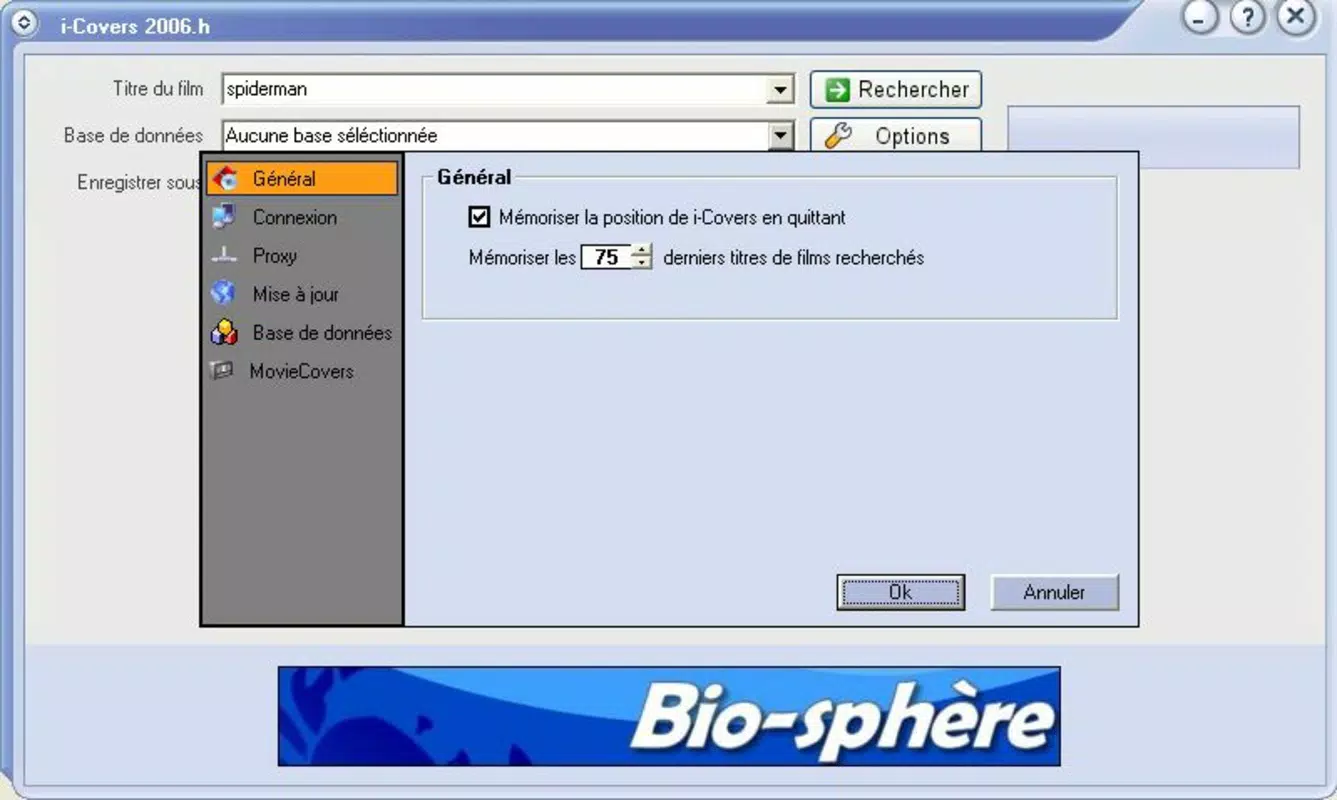
  • Multiple Database Options: Users can switch between different image sources, enabling tailored searches based on style, region, or release date.
  • Completely Free to Use: No in-app purchases, ads, or subscription tiers are required—users can access all content without financial commitment.
Each feature is designed to support real-world use cases. For example, a content creator preparing a YouTube video on classic cinema can quickly locate authentic posters for background visuals. Similarly, a fan building a personal movie wall can download images in bulk for printing. The app’s straightforward workflow minimizes friction between search and download, making it ideal for both casual and frequent users.

Interface, UX & Performance

The user interface of i-Covers is minimalistic and functional, emphasizing clarity over ornamentation. The layout features a central search bar, followed by a scrollable grid of image thumbnails. Navigation is linear and intuitive—users input a title, receive results, view images at full size, and initiate downloads with a single tap. There are no complex menus or hidden settings, which enhances accessibility for users of all technical skill levels. Visual design is clean and uncluttered, with a neutral color scheme that avoids distractions. The focus remains on the images themselves, which are displayed with consistent spacing and sharp rendering. Although the developer did not list formal performance metrics, the app’s lightweight footprint of 1.2 MB suggests efficient memory usage and minimal impact on device resources. Responsiveness is consistent across device categories, though specific compatibility details were not disclosed. The app appears to load results quickly, with minimal lag during searches and image rendering. Stability is maintained through a straightforward architecture that avoids resource-heavy processes. While no crash reports or performance logs were provided, the app’s longevity since 2012 implies a stable foundation. Users can expect smooth operation on devices running the supported Android platform, even on older models.

Platform Compatibility & Technical Requirements

i-Covers is available exclusively on the Android platform. The current version is 1.0, with a file size of 1.2 MB, making it suitable for devices with limited storage capacity. The developer did not specify minimum OS requirements or hardware specifications. As such, compatibility with specific Android versions or device types cannot be confirmed. Users should ensure their device supports the Android operating system and can run lightweight applications. The app’s small size indicates it does not rely on heavy dependencies or background services. This makes it accessible to a wide range of Android users, including those with entry-level smartphones. However, without official system requirements, users are advised to test the app on their devices to confirm functionality. Updates may be released in the future, but no information about update frequency or version history was provided.

Pros and Cons

  • Free to use with no hidden costs or ads
  • Large database of over 13,000 movie covers and posters
  • Simple, intuitive interface suitable for all user levels
  • High-quality JPEG downloads with full-size previews
  • Supports multiple database sources for varied search results
  • No official OS or device compatibility details provided
  • Version 1.0 may lack modern UI enhancements
  • Does not offer advanced filtering or sorting options
  • No cloud sync or offline access features
  • Limited to Android platform

FAQ

Is i-Covers safe to download and install?

Yes, the app is free and available through official Android channels. As it does not require elevated permissions or access to sensitive data, it poses minimal security risk.

Can I use i-Covers on iOS devices?

No, the app is currently only available for Android. There is no official iOS version at this time.

Are the downloaded images free to use?

Yes, the app allows free downloads for personal use. However, users should verify copyright status when using images for commercial or public projects.

How often is the database updated?

The developer did not provide information on update frequency. The app’s database appears to be static, with no indication of regular content refreshes.

Does i-Covers require an internet connection?

Yes, an active internet connection is required to search for and retrieve movie posters from the app’s databases.

Final Thoughts

i-Covers remains a reliable, no-frills tool for anyone seeking to find and download movie posters with ease. Its long-standing presence in the Android ecosystem speaks to its enduring utility. While it lacks modern features like offline access or advanced search filters, its core functionality is executed efficiently. For film lovers, content creators, and collectors, the ability to search over 13,000 cinematic visuals with a simple title input offers real value. The app’s lightweight design and zero cost make it an excellent choice for users prioritizing simplicity and accessibility. Download i-Covers now.

TotalVirus Scanned

This software has been scanned for malware and verified safe for download.

SoftPas in:

This product is also available in the following languages:

Guides & Tutorials for i-Covers

How to install i-Covers
  1. Click the Preview / Download button above.
  2. Once redirected, accept the terms and click Install.
  3. Wait for the i-Covers download to finish on your device.
How to use i-Covers

This software is primarily used for its core features described above. Open the app after installation to explore its capabilities.

User Reviews for i-Covers 0

    No reviews found

Similar Apps

Recommended Apps

YouGooDai

YouGooDai

Mobile

Download Apps
Xe FlashPlayer

Xe FlashPlayer

Mobile

Download Apps
XPlayer

XPlayer

Mobile

Download Apps
Windows Media Player 9 Series

Windows Media Player 9 Series

Mobile

Download Apps
Windows Media Player

Windows Media Player

Mobile

Download Apps